What gear do you need for eDrumWork?
An electronic kit that sends MIDI, and a compatible device. Find your setup below, then check that your kit responds.
Set up your sound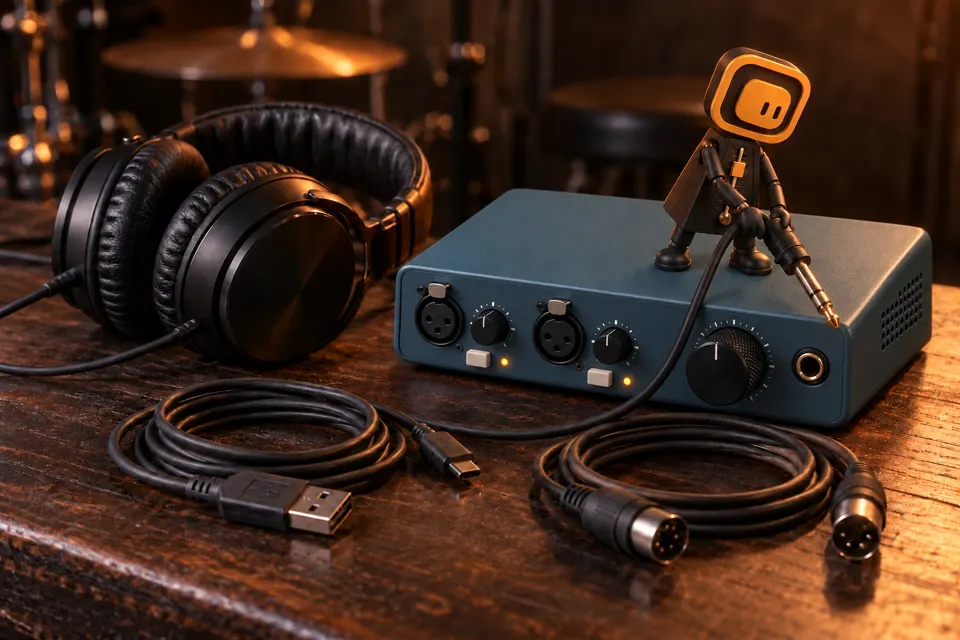
Your module has a USB-MIDI port
Connect the module to your computer with a suitable USB cable. Make sure the port actually carries MIDI: a USB port meant only for storage or audio won’t do.
USB-MIDI module → USB cable → computer
Your module has a MIDI DIN output
Connect MIDI OUT to an interface with a MIDI input, or to a MIDI-to-USB adapter, then to your computer. The project’s reference kit is set up this way: Roland TD-12 → Scarlett 2i4 → computer.
MIDI OUT → MIDI interface or adapter → computer
Your kit doesn’t send MIDI
eDrumWork can’t read your hits from the sound alone. You can still use the metronome without a connected kit.
No MIDI → metronome only
Which device should you use?
Start with a computer and Chrome or Edge. Playing is designed for a computer or a compatible tablet. On a phone, once signed in, My sessions lets you check and reschedule your calendar; playing on the kit stays on your practice device.
What about an Android tablet?
You may need an OTG adapter and an interface that works without drivers, sometimes with a powered hub. MIDI reception and latency have to be checked on your own device: having a USB port doesn’t guarantee the whole chain will work.
Check instead of guessing
The kit check uses the app’s MIDI test: choose your input and hit a pad to check reception. A detected input doesn’t vouch for audio latency or for every feature of your module.
Open the kit check and connect my kitIf your browser doesn’t offer Web MIDI, use Chrome or Edge on a compatible computer. Don’t count on another browser or an iOS device to support measurement.