I play in time, so why does the screen say I am late?
Set up your sound
Choose how you connect, then check your device’s latency. These tools are free, no account needed.
Set up your soundYou feel locked in with the click, yet the summary shows an almost constant delay. That number does not tell you where it comes from: your placement and everything between hearing the click and the MIDI strike arriving can both play a part.
Start with the sound path
The free Set up your sound tool helps you choose how to connect your module, device, sound source and headphones. You need to hear both the click and the drums; a MIDI cable carries events, not the kit’s sounds.
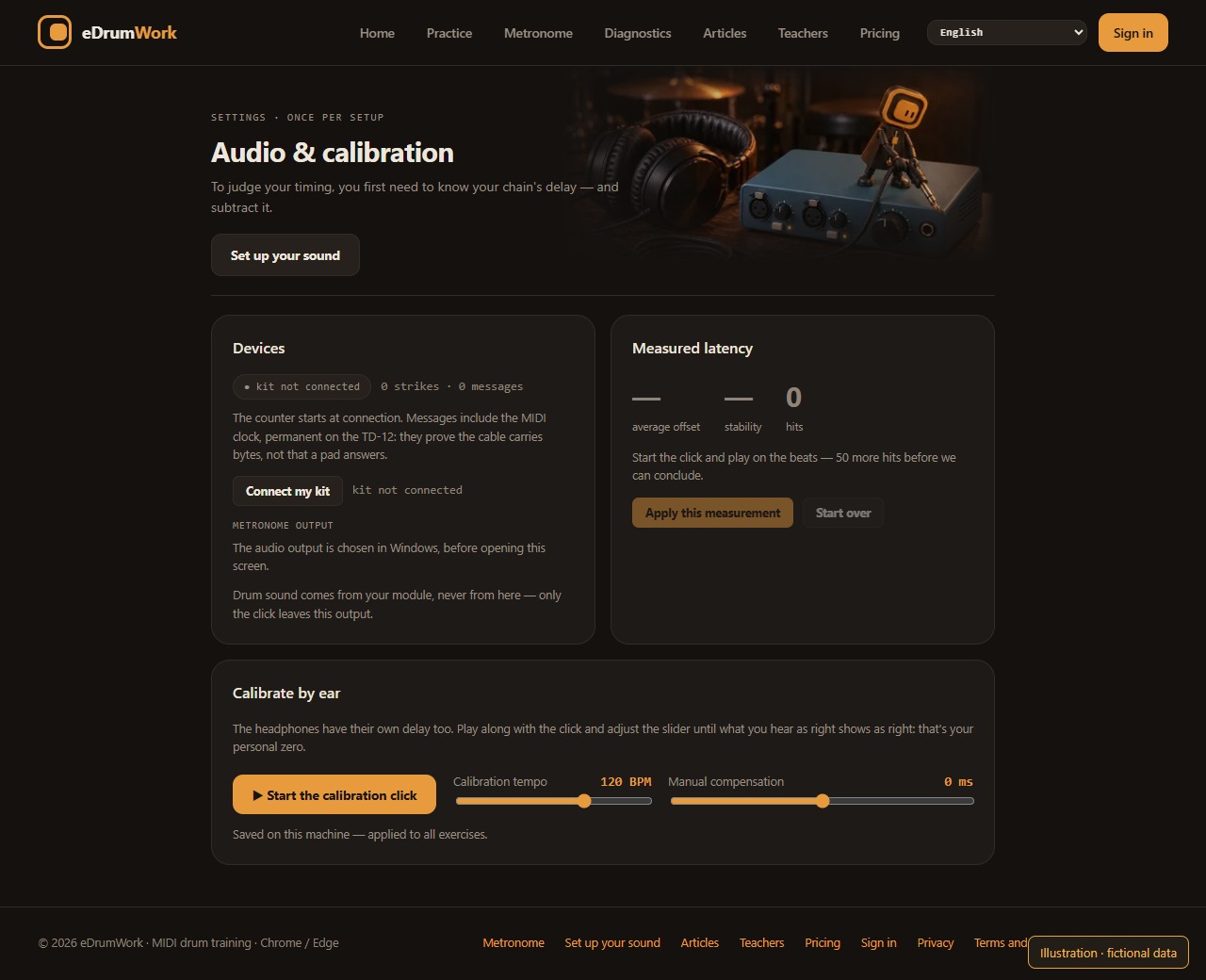
Then check the MIDI input in Audio & calibration. Select the audio output in your operating system before opening that screen. New headphones, a different output, interface or browser all call for a new check. An offset does not apply across your whole account.
Measure without chasing the number
Start the calibration click and play steadily on a recognized pad, as instructed. The screen shows how many strikes are still needed, the proposed offset and its stability. Apply the measurement when the screen allows it; if the series is unstable, repeat it first.
You can also adjust the slider by ear, but moving it does not count as a validated measurement. Conversely, a compensation of zero can be the result of a real calibration.
Your playing is the reference
This calibration takes your placement during the series as its reference. If you always play slightly behind the click, it may absorb that habit along with the technical delay. It proves neither that the whole offset came from the device nor that your absolute placement is now correct.
A constant offset shifts the average; by itself, it does not change the spread of strikes. Compare consistency and relative changes under stable conditions, as the timing guide explains.
Go back to a simple passage
Play the same passage at the same tempo and listen. If the result still surprises you, check the sound path and repeat the series before changing several settings at once. Calibration sets up the measurement; it does not replace your ears or a teacher. Sound setup and calibration are free and need no account.